How Does Weather Affect Internet and How to Protect It
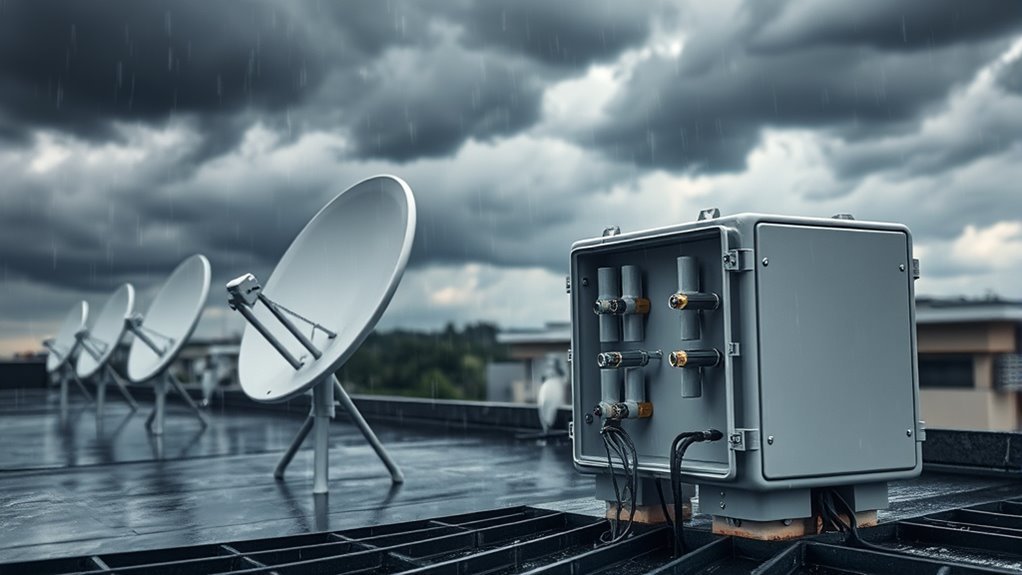
Weather events like rain, snow, high winds, and extreme temperatures can significantly disrupt your internet connection. These conditions can lead to damage of outdoor equipment, weaken satellite signals, or even cause power outages.
It’s important to know that satellite and coaxial connections are particularly vulnerable to these weather-related issues, while fiber connections tend to be more resilient.
To protect your internet during adverse conditions, consider using surge protectors, securing and weatherproofing your devices, and promptly clearing snow or ice buildup.
Understanding how different weather patterns impact your internet connection can help you stay connected even in challenging conditions.
So, let’s explore some practical tips and solutions to ensure your internet remains stable, no matter what Mother Nature throws at it!
Weather Conditions That Impact Internet Connectivity
Although you might not always notice, weather conditions can seriously affect your internet connectivity.
Rain fade weakens satellite signals by absorbing and scattering their paths, causing interruptions. High winds can damage outdoor equipment like antennas and cables, leading to service disruptions.
Rain fade and high winds disrupt satellite signals and damage outdoor equipment, causing internet interruptions.
Snow and ice add weight and cause cracks in cables, impairing connections and triggering weather-related outages.
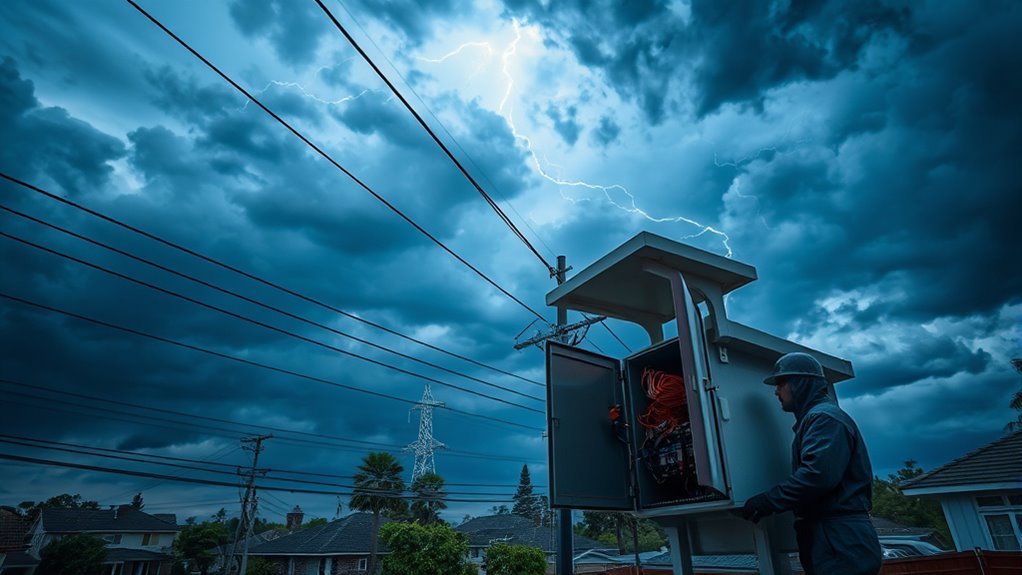
Lightning strikes pose a significant risk, often causing power outages or surges that damage networking hardware if unprotected.
Additionally, infrastructure damage from extreme weather events such as hurricanes or flooding can result in prolonged internet failures.
Wireless interference from these conditions further degrades signal quality.
Understanding these risks helps you take steps to protect your internet setup from weather-related challenges effectively.
Effects of Rain, Snow, and Ice on Internet Signals
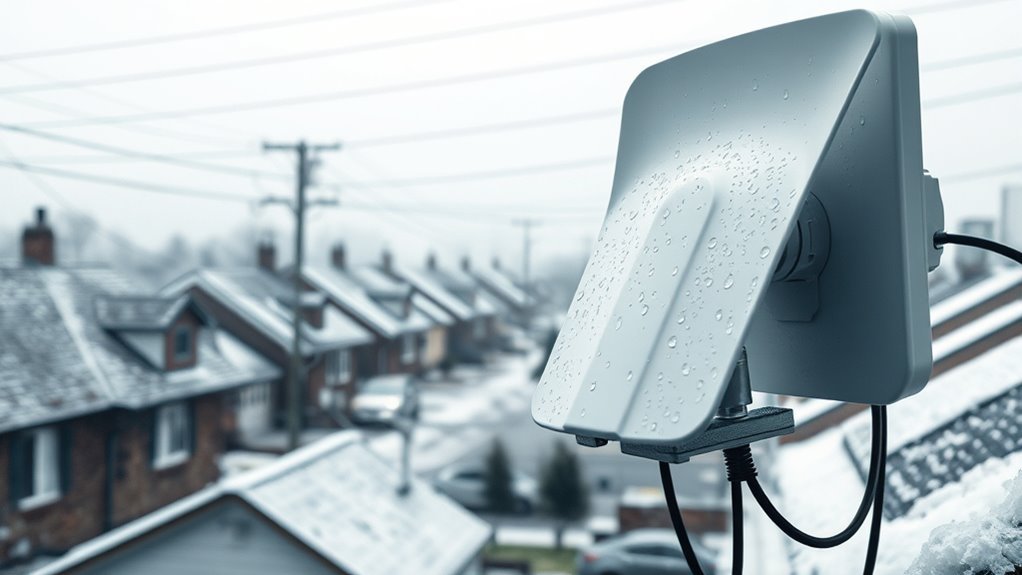
When rain falls, it can absorb and scatter your internet signals. This phenomenon is known as rain fade, and it can slow down your connection significantly.
Snow and ice can also create issues. They can physically block or misalign your satellite dishes and antennas, leading to interruptions or weaker signals.
You’ll want to understand these effects to keep your internet running smoothly during bad weather.
Rain Fade Impact
Since water droplets in the atmosphere absorb and scatter microwave signals, rain fade can seriously weaken your satellite, Wi-Fi, and 5G connections.
This weather impact causes signal attenuation and interference, leading to noticeable signal degradation, especially with satellite signals.
Outdoor antennas and dishes are vulnerable because water droplets block or weaken the line-of-sight transmission.
Snow accumulation compounds this issue by increasing moisture around equipment.
To protect your internet during rain fade, consider these key points:
- Rain fade causes direct signal attenuation, reducing internet speed and reliability.
- Satellite signals are particularly sensitive, as they rely on clear paths.
- Mitigation techniques like adaptive modulation help maintain connection quality despite weather challenges.
Understanding rain fade empowers you to better safeguard your internet from weather-related disruptions.
Snow and Ice Obstruction
Snow and ice buildup can seriously disrupt your internet signals by physically blocking satellite dishes and causing damage or misalignment to outdoor antennas and cables.
This obstruction increases signal interference, which can lead to slower speeds or complete outages during harsh weather.
The weight from snow and ice puts extra stress on your outdoor equipment, risking damage that impairs signal transmission.
Freezing rain and heavy snowfall further weaken wireless and satellite signals through signal attenuation, known as rain fade.
To protect your connection, regularly clear snow and ice from your devices.
Also, consider installing weatherproof covers to prevent buildup.
Staying proactive helps maintain a clear signal and reduces the chance of prolonged outages caused by weather-related interference.
How High Winds and Storms Disrupt Internet Service
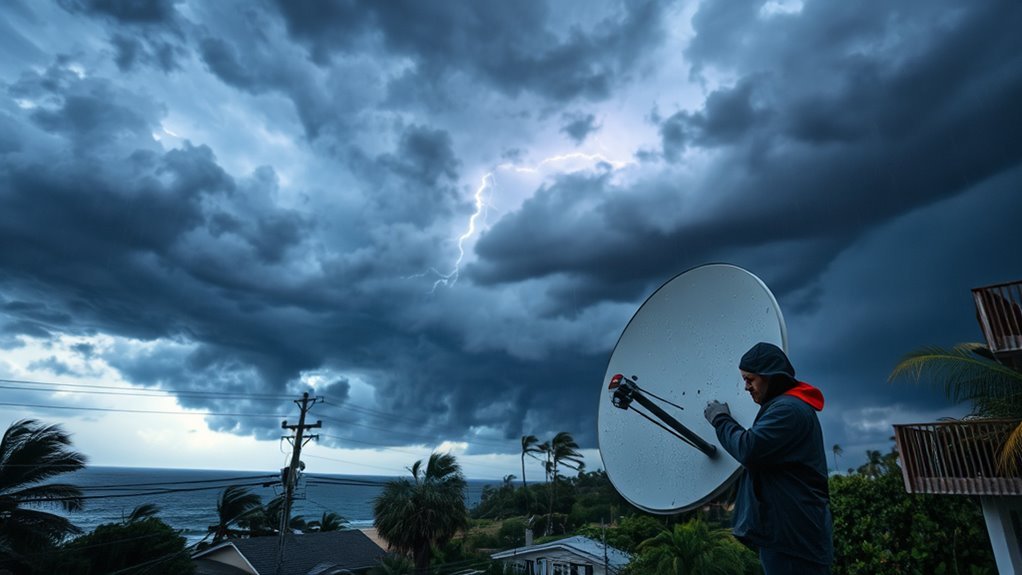
When high winds strike, they can damage your internet infrastructure by knocking over satellite dishes, antennas, or utility poles.
You might also experience signal loss if strong gusts misalign your satellite dish or rooftop antenna.
Plus, wind-induced power outages can shut down network equipment, cutting off your internet service entirely.
Infrastructure Damage Risks
Although it might not be obvious, high winds and storms can severely disrupt your internet service by damaging outdoor infrastructure like utility poles, satellite dishes, and antennas.
Storm damage often leads to power outages and equipment damage that interrupt connectivity. Here’s how infrastructure damage risks affect your service:
- Utility poles may fall or cables snap, breaking wired and wireless connections.
- Wind-driven debris can harm network hardware, causing outages or degraded performance.
- Severe storms overload systems, resulting in power surges that damage critical equipment.
You might need realignment or repairs after storms to restore your service.
Protecting outdoor infrastructure is vital because damage to any component can ripple through your entire network.
This can leave you offline when you need the internet most.
Satellite Dish Misalignment
If high winds buffet your satellite dish, they can easily knock it out of alignment. This disruption can affect your internet signal and lead to frustrating outages.
Storms with strong gusts may shift or even topple your outdoor equipment, causing misalignment that degrades signal reception. Wind-induced vibrations can loosen mounting hardware over time, further compromising your satellite internet quality.
When your dish is misaligned, expect slow speeds, increased latency, or even a complete loss of connectivity.
To protect against weather damage, regularly inspect and secure your satellite dish with sturdy mounts and protective covers.
If storms cause misalignment, you’ll likely need professional realignment to restore ideal signal strength.
Taking these precautions helps maintain reliable satellite internet, even in harsh wind and storm conditions.
Power Outage Effects
High winds and storms don’t just misalign your satellite dish—they can also topple utility poles and damage overhead cables, cutting power and knocking out your internet service.
Storm-induced outages often lead to extended outage duration, as electrical service repairs take time.
When electrical infrastructure is damaged, data centers may lose power, causing widespread network disruption.
To protect your internet during storm damage, consider these steps:
- Use backup power sources like generators or uninterruptible power supplies (UPS) to keep networking equipment running.
- Monitor outage duration updates to stay informed about restoration timelines.
- Secure and inspect utility poles and overhead cables regularly to minimize storm damage risks.
Impact of Extreme Temperatures on Internet Equipment
When temperatures drop drastically, your internet equipment faces serious challenges that can disrupt your connection.
Cold weather causes cables to contract and become brittle, leading to cracks or breaks that affect internet infrastructure.
Freezing temperatures damage outdoor equipment like satellite dishes and antennas, impairing signal reception and transmission.
Snow and ice accumulation on hardware can physically block signals, slowing speeds or causing outages.
Temperature effects also trigger hardware malfunctions in routers and modems not designed for low temperatures, potentially shutting them down.
To minimize weather impact and equipment damage, keep your devices indoors or in temperature-controlled environments whenever possible.
Protecting your outdoor equipment from extreme cold prevents disruptions and preserves your internet’s reliability during harsh winter conditions.
Weather Vulnerabilities by Internet Connection Type
Although all internet connections can face weather disruptions, some types are more vulnerable than others due to their technology and infrastructure.
Understanding these weather vulnerabilities helps you anticipate potential issues during storms.
1. Fiber Internet: This type is highly resistant to weather impact since cables run underground or are well protected.
However, natural disasters can still cause outages.
2. Cable Internet: It uses coaxial cables that are often exposed on utility poles.
This makes it prone to physical damage from wind, snow, and ice during storms.
3. Satellite Internet: This is the most affected by weather.
Heavy rain and snow can cause rain fade and misalign satellite dishes, while outdoor equipment remains vulnerable to storm damage.
Knowing how each internet connection reacts to weather helps you better prepare for interruptions.
This way, you can maintain consistent connectivity.
Tips to Protect and Maintain Your Internet During Bad Weather
Understanding how different internet connections respond to weather helps you take specific steps to protect your service.
Start with storm protection by using surge protectors and backup power sources like UPS units to guard against power outages and equipment damage.
Position your indoor routers away from windows and water sources to reduce signal interference and moisture issues.
For outdoor equipment, regularly inspect and secure satellite dishes and antennas, clearing snow or ice to maintain strong connections.
Weatherproofing cables and mounts prevents damage from wind or ice buildup.
Keep emergency contacts for your internet provider handy and monitor weather forecasts to anticipate weather-related outages.
Consistent internet maintenance and prompt response to conditions help ensure your connection stays stable and reliable during bad weather.
Frequently Asked Questions
How Does Weather Affect the Internet?
Weather disrupts your internet by damaging cables, misaligning antennas, and scattering signals. This can lead to outages or slow speeds.
You can protect your internet by securing equipment and using weather-resistant gear.
It’s also a good idea to avoid outdoor exposure during storms.
How to Fix Internet in Bad Weather?
Restart your modem and router first to refresh the connection.
Check outdoor equipment for damage or misalignment, secure cables, and use surge protectors.
If issues persist, reach out to your provider or confirm outages through their website.
Can a Storm Mess up Your Wifi?
Yes, a storm can mess up your Wi-Fi.
Imagine sudden power flickers and howling winds; they can disrupt signals and damage equipment.
But don’t worry—you can take steps to safeguard your connection and stay online.
Which Internet Service Is Most Commonly Affected by Weather?
Satellite internet is most commonly affected by weather.
You’ll notice slowdowns or outages during rain, snow, or storms.
To protect it, you should use surge protectors and keep your equipment sheltered from harsh conditions.
Conclusion
Now that you know how weather can mess with your internet—like a telegram tangled in a thunderstorm—you’re better equipped to protect your connection.
Whether it’s rain, snow, or scorching heat, taking simple steps can keep your service steady.
Don’t wait for your router to act like a Victorian-era typewriter stuck in a storm; shield your equipment, check your setup, and stay connected no matter what the skies throw at you.
In conclusion, understanding how weather affects your internet is crucial for maintaining a reliable connection.
By taking proactive measures, like protecting your equipment and ensuring your setup is optimal, you can minimize disruptions.
So, don’t let the elements dictate your online experience—stay prepared and keep your internet service steady, rain or shine!