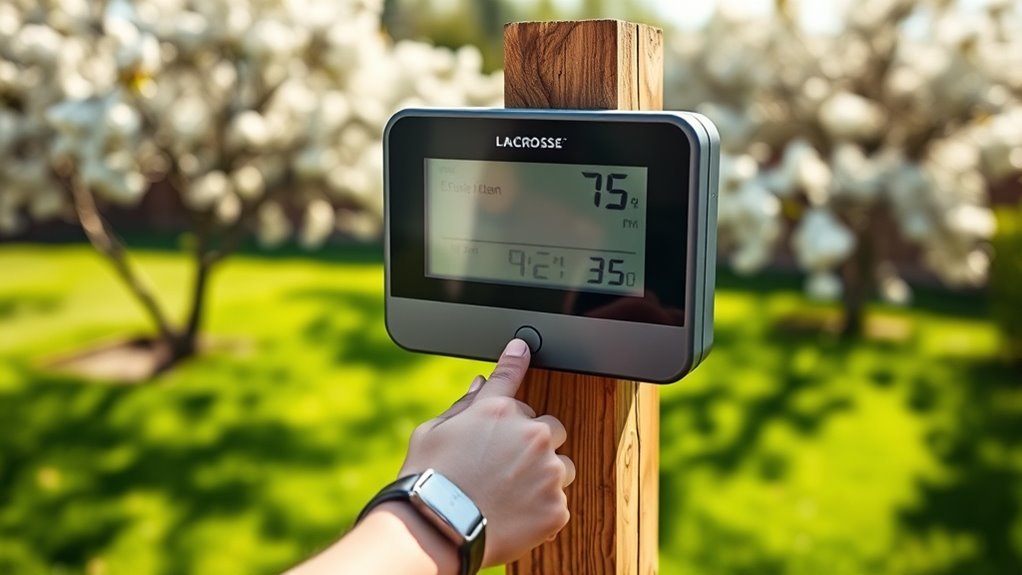
How to Reset Lacrosse Weather Station in 3 Easy Steps
To reset your LaCrosse weather station, follow these straightforward steps. A reset can help resolve syncing issues and improve overall performance.
First, power off the unit and remove all batteries from both the indoor display and outdoor sensor.
Next, wait at least 10 minutes. During this time, press any button on the display multiple times to help clear residual power and memory.
Finally, reinstall fresh batteries—starting with the outdoor sensor—then allow the devices to reconnect automatically.
This quick reset process often resolves common problems you may encounter.
If you’re interested in learning more about detailed tips and precautions for optimal performance, keep exploring these steps.
Power Off and Remove Batteries
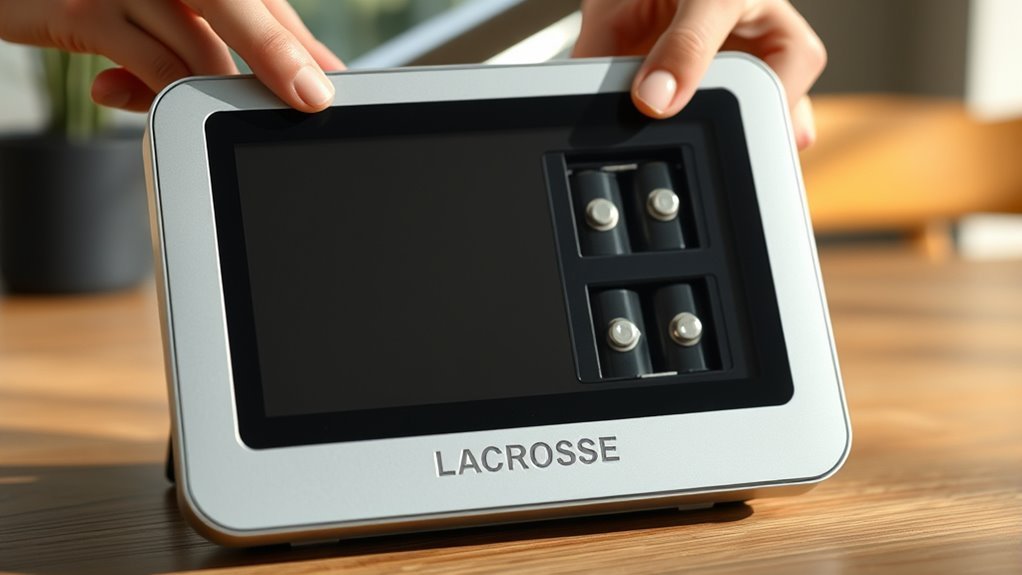
Before you begin resetting your Lacrosse weather station, make sure to power it off completely by unplugging the power cord and removing the batteries from both the indoor display and outdoor sensor.
This full disconnection from all power sources is vital to prevent damage and guarantee a proper reset.
Open the battery compartments carefully as instructed in the manual to remove batteries without harming the contacts.
Removing the batteries cuts off residual electricity, allowing the internal components to reset correctly.
Once removed, place the batteries in a safe, dry spot away from metal objects or extreme temperatures during storage.
Taking these precautions helps protect your device and guarantees the reset process will work smoothly when you reconnect power and batteries later.
Wait and Clear Residual Power
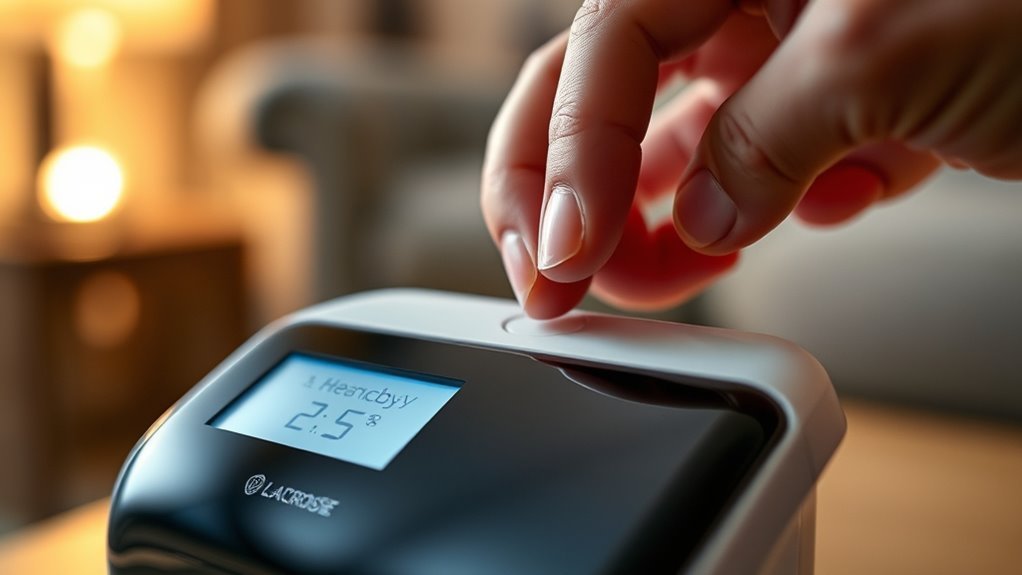
After removing the batteries and unplugging all power sources, you’ll need to leave the units completely unpowered for at least 10 minutes.
This wait time allows residual power to dissipate, ensuring a full reset. During this period, press and hold any button on the display unit at least 20 times to clear memory and electrical charge.
This step helps reset the system effectively. Avoid reconnecting power or batteries until the wait time ends.
| Step Number | Action |
|---|---|
| 1 | Remove all batteries |
| 2 | Unplug power cords |
| 3 | Wait 10 minutes |
| 4 | Press buttons 20 times |
| 5 | Confirm memory is cleared |
Refer to diagrams for outdoor sensor and display button locations before restarting.
Reinstall Batteries and Reconnect Sensors
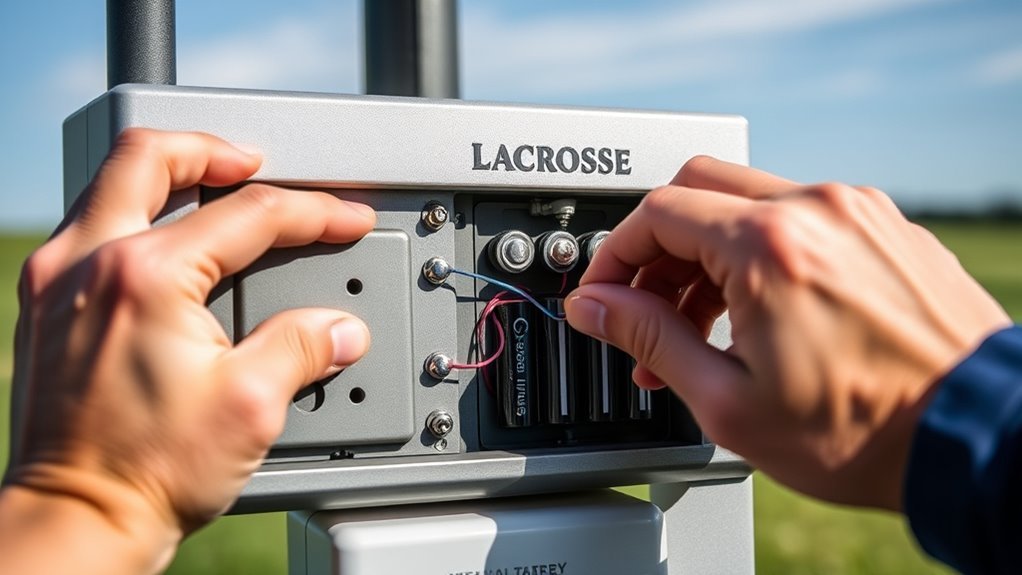
Once you’ve waited the required time to clear residual power, reinstall fresh, brand-name alkaline batteries into the outdoor sensor first.
Make sure to follow the correct battery orientation diagram. Next, reinstall batteries into the indoor display without pressing any buttons.
Keep the outdoor sensor and indoor display at least 3-5 feet apart to establish a proper connection.
This distance helps the sensor pairing process and allows the devices to reconnect sensors effectively.
Avoid pressing buttons during this time, as it can interrupt the pairing.
By following these steps, you’ll ensure a clean restart after battery removal, allowing the outdoor sensor and indoor display to establish connection smoothly.
This method guarantees your weather station functions accurately with fresh batteries and proper sensor communication.
Frequently Asked Questions
How Do I Reset My Lacrosse Weather Station?
You reset your Lacrosse weather station by removing all batteries.
Then, press the display button 20 times.
After that, wait 10–15 minutes before reinstalling new batteries—outdoor sensor first—without pressing any buttons.
Finally, wait 15 minutes to allow it to reconnect.
How Do I Reset My Lacrosse Clock?
With over 90% of clocks needing a reset at some point,
you just press the small reset button inside the hole with a paperclip for 3-5 seconds.
If it won’t reset, remove and reinsert batteries.
How to Reset Outside Temperature Gauge?
To reset your outside temperature gauge, remove batteries from both the sensor and display.
Wait 15 minutes.
Then, reinstall the sensor batteries first, followed by the display batteries.
Make sure not to press any buttons during this process.
After that, wait another 15 minutes until the correct temperature shows.
How Do I Reconnect My Lacrosse Weather Station to Wi-Fi?
Don’t worry if it seems tricky—just access your station’s Wi-Fi setup, select your network, and enter the password accurately.
Wait for confirmation. If it fails, reset the Wi-Fi settings and try again; you’ve got this!
Conclusion
Resetting your LaCrosse weather station is so simple, it’s almost like magic!
With just three easy steps, you can bring your device back to life faster than a lightning storm.
Power off, wait like a patient weather guru, then pop those batteries back in and reconnect the sensors.
You’ll feel like a tech wizard commanding the skies—ready to track every breeze and downpour with flawless precision.
So go ahead, give it a try!
In conclusion, resetting your LaCrosse weather station is a quick and easy process that anyone can do.
Follow the three simple steps: power off, wait, and reconnect the batteries and sensors.
Once you complete the reset, your weather station will be primed to deliver accurate weather data once again.
Embrace your inner tech wizard and enjoy the reliability of your LaCrosse weather station as you monitor the elements around you!