How to Reset La Crosse Weather Station in 5 Easy Steps
To reset your La Crosse Weather Station, follow these simple steps for a smooth process.
First, remove all power sources, including batteries and adapters.
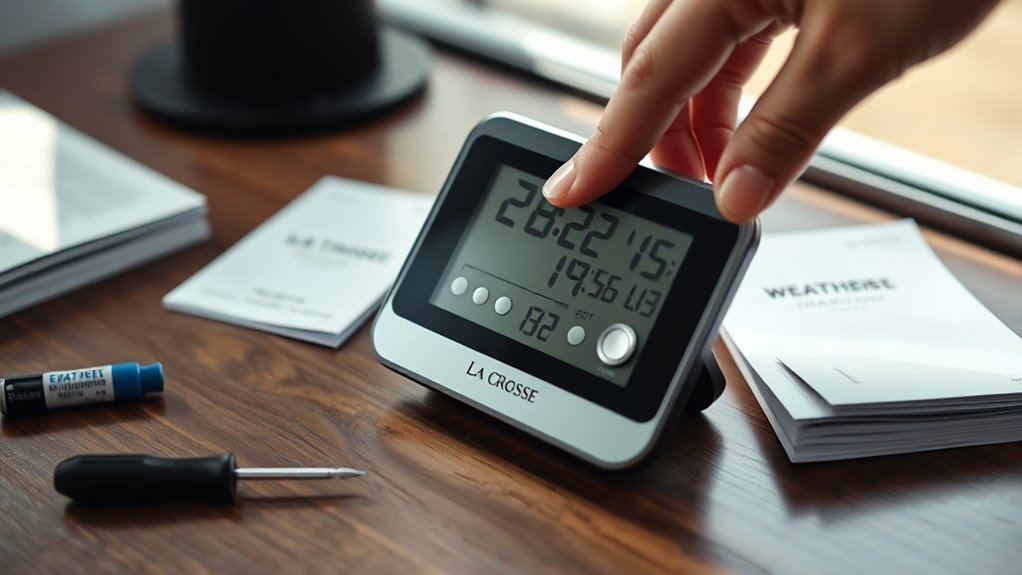
Next, press any button on the display 20 times until it goes blank.
Make sure to wait at least 10 minutes to allow any residual memory to clear.
Now, it’s time to install fresh, high-quality batteries. Start with the outdoor sensor first, and then move on to the indoor display.
When installing, avoid pressing any buttons.
Keep the devices about 5 feet apart to help them reconnect properly.
Finally, check that your display shows the correct time and temperature.
By following these steps, you’ll ensure a flawless setup for your La Crosse Weather Station.
Preparation Before Restarting Your Weather Station
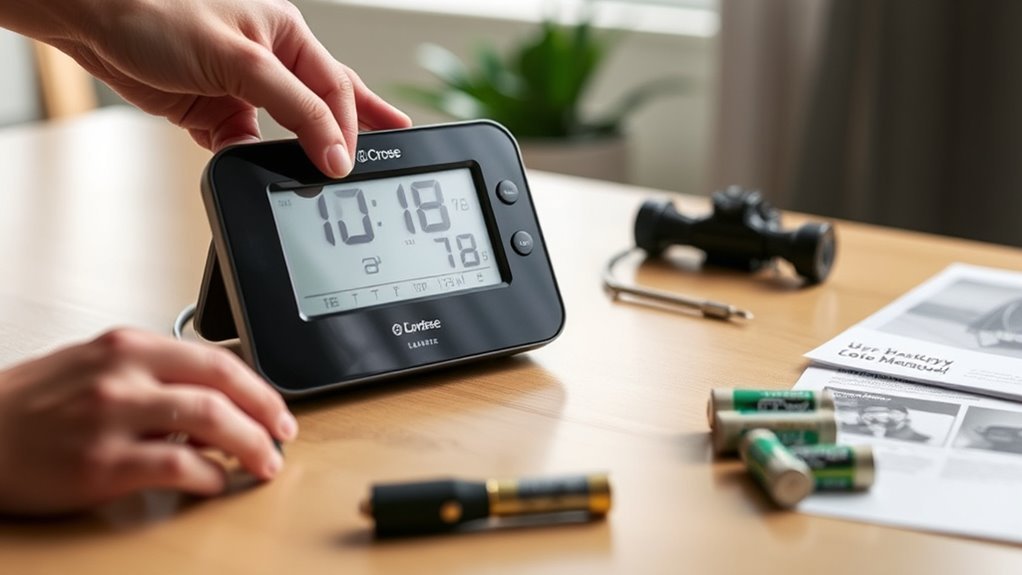
Before you reset your La Crosse Weather Station, make sure you identify your model number so you can follow the correct procedure.
Start by bringing both the indoor display and outdoor sensor inside, placing them 3-5 feet apart.
Begin by moving the indoor display and outdoor sensor indoors, positioning them 3-5 feet apart for optimal reset conditions.
Remove all power sources—take out the batteries and unplug any AC adapters from both units.
To clear residual memory, press any button on the display at least 20 times until the screen goes blank.
This ensures the reset process is thorough.
Keep the units without batteries or power for at least 10 minutes, allowing any leftover electricity to dissipate fully.
Refer to your specific model’s reset diagrams to understand button locations and confirm you’re executing the steps correctly before moving forward with the reset.
Removing Power and Clearing Internal Memory
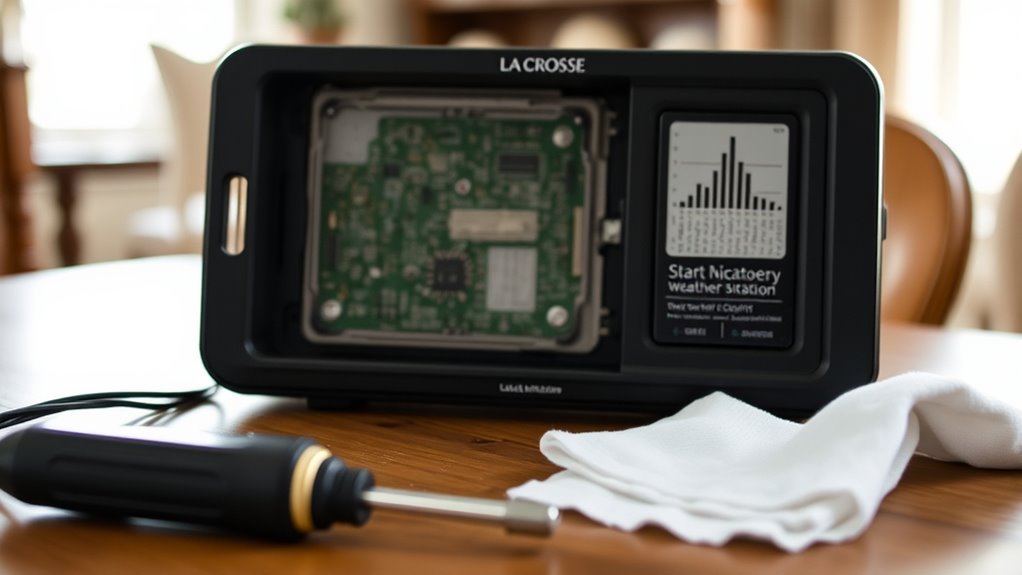
Once you’ve removed all power sources as mentioned earlier, it’s time to clear the internal memory of your La Crosse Weather Station.
This step is vital to complete the reset procedure effectively.
Follow these steps:
1. After power removal, press any button on the display at least 20 times.
This action helps clear the internal memory.
2. Confirm the display is blank after pressing buttons; a blank screen indicates successful memory clearance.
3. Leave the unit without power for 10-15 minutes to allow residual electricity to dissipate fully.
Only after these wait times and confirming the display is blank should you consider reinstalling batteries or reconnecting power.
This ensures your weather station is properly reset and ready for fresh setup.
Installing Fresh Batteries Correctly
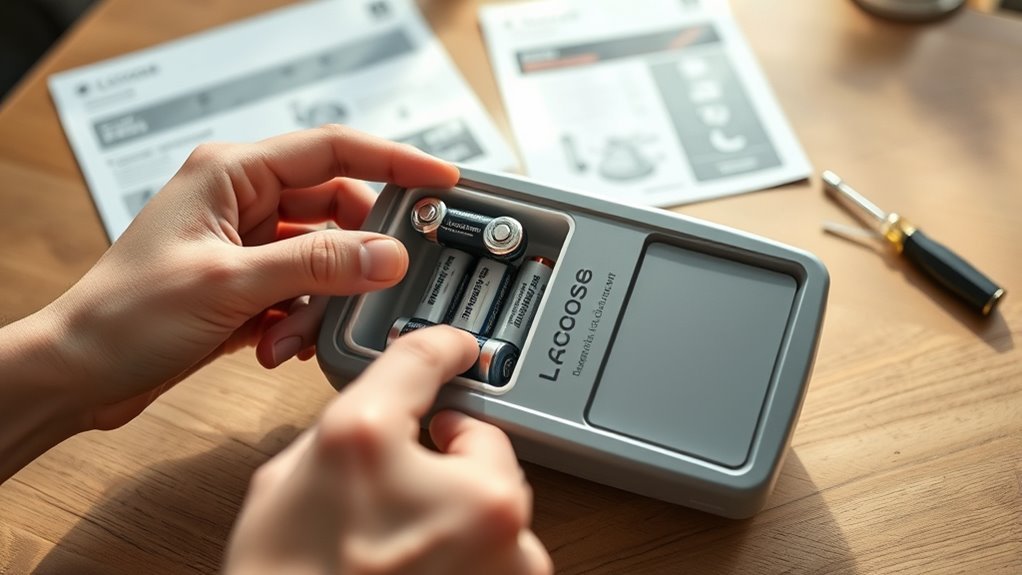
Although resetting your La Crosse Weather Station requires removing power first, installing fresh batteries correctly is essential to guarantee the device functions reliably after the reset.
Start by choosing new, high-quality alkaline batteries that are dated within the last 7 years.
Use a voltmeter to confirm each battery has at least 1.48 volts before installation.
Insert batteries into the outdoor sensor first, following the compartment diagram carefully to ensure proper contact.
Next, install batteries into the indoor display unit, again adhering to the diagram and avoiding pressing any buttons during installation.
Remember to remove all batteries from both units and wait at least 15 minutes before reinstalling to complete the system reset.
Proper battery installation ensures your weather station operates accurately and consistently.
Reestablishing Sensor Connections
After installing fresh batteries correctly, you’ll need to reestablish the connection between the outdoor sensor and the indoor display.
This is a vital part of the reset procedure to ensure accurate readings.
Follow these steps to restore connections:
- Remove the battery from both the outdoor sensor and indoor display. Then, wait at least 15 minutes to complete the reset procedure.
- Reinsert fresh batteries into the outdoor sensor first, making sure they’re oriented properly. After that, install batteries in the indoor display without pressing any buttons during this phase.
- Keep a separation of about 5 feet between the outdoor sensor and indoor display for 15 minutes.
Place the outdoor sensor away from direct sunlight and moisture to allow the connection to establish smoothly.
This process helps your weather station reconnect reliably.
Verifying Proper Operation After Reset
To confirm your La Crosse Weather Station is functioning correctly after the reset, start by checking that the indoor display shows the accurate time and outdoor temperature.
Next, verify the outdoor sensor is transmitting signals by observing the blinking LED during data transmission.
Ascertain the time synchronization reflects your current daylight saving or local time settings to avoid errors.
Double-check that your device’s location setting matches your geographic area; this helps maintain accurate time and weather updates.
Over the next few hours, keep an eye on the display to confirm the time remains correct and doesn’t revert to previous incorrect settings.
Following these steps will help you verify correct operation and ensure your weather station is ready to provide reliable data after a reset.
Frequently Asked Questions
How Do I Reset My La Crosse Weather Station?
You reset your La Crosse Weather Station by removing batteries and unplugging it.
Then, wait 15 minutes before moving on to the next step.
Press the reset or display button 20+ times.
After that, reinstall fresh batteries and ensure proper sensor distance for reconnecting.
How Do You Reset Your Weather Station?
You don’t just press a magic reset button—surprise!
Instead, remove all batteries, press any button 20 times, and then wait 15 minutes.
After that, reinstall fresh batteries and let the station quietly sync without you poking it.
How to Set a La Crosse Technology Clock a Step by Step Guide?
Press and hold the “Set” button until the time flashes.
Use “+” and “-” to adjust the hours, then press “Set” to confirm.
Adjust the minutes in the same way, and press “Set” again when you’re done.
If needed, activate AM/PM or DST.
Why Won’t My La Crosse Weather Station Stop Beeping?
Like a persistent alarm bell, your La Crosse weather station beeps because its batteries might be drained,
sensors disconnected, or alerts triggered.
Replace batteries, check connections,
and adjust settings to silence that endless ringing.
Conclusion
Now that you’ve reset your La Crosse weather station, you’re back in the driver’s seat.
By following these simple steps—cutting power, clearing memory, installing fresh batteries, reconnecting sensors, and double-checking everything—you’ve guaranteed smooth operation.
Remember, a stitch in time saves nine; taking care of these small tasks now prevents bigger headaches later.
Keep an eye on your station, and you’ll enjoy accurate weather updates without a hitch.
In conclusion, resetting your La Crosse weather station is essential for maintaining its reliability.
By ensuring proper setup and regular checks, you’ll benefit from consistent and precise weather information.
So, don’t overlook these quick steps; they make all the difference in enjoying a well-functioning weather station!