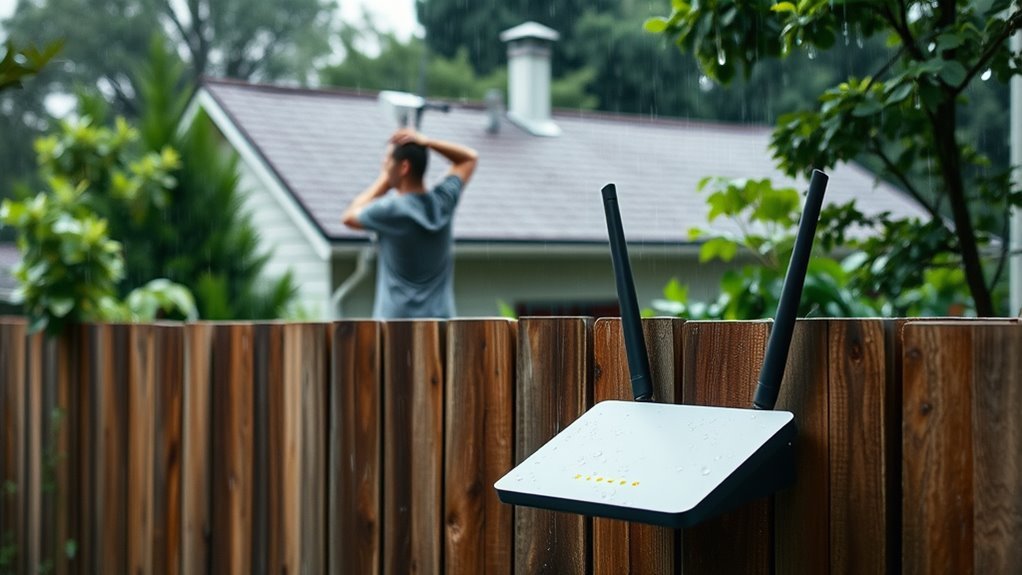
How Does Weather Affect WiFi and How Can You Improve It?
You’ll notice slower WiFi and dropped connections during storms because weather can significantly affect signal strength. Rain, lightning, wind, and humidity all contribute to weakened signals and may even damage outdoor equipment.
Extreme temperatures can also lead to hardware issues, like brittleness or overheating.
To improve your WiFi, consider protecting your devices with weatherproof enclosures and surge protectors. Proper mounting is essential as well.
Regular maintenance and clearing obstructions can also enhance your signal strength.
To keep your network strong through all conditions, it helps to understand practical protection and upkeep strategies. Taking these steps can ensure a more reliable connection regardless of the weather outside.
How Rain Impacts WiFi Performance
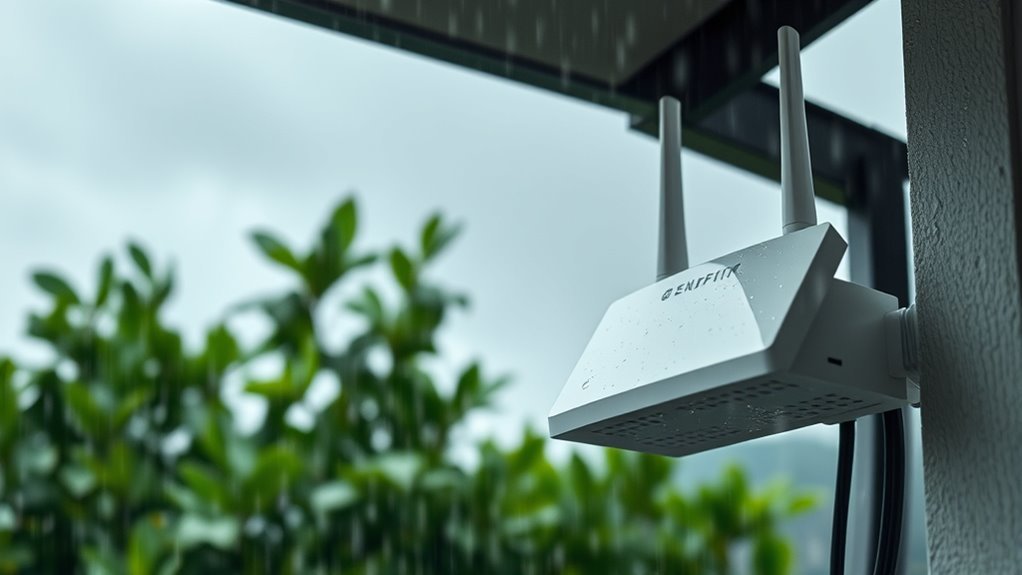
Although rain may seem harmless, it can considerably weaken your WiFi signal, especially if you rely on 5GHz frequencies or outdoor connections.
Rain causes signal attenuation by absorbing and scattering the wireless signals, leading to noticeable drops in WiFi performance.
Outdoor WiFi setups suffer the most, as rain fade disrupts satellite internet and fixed wireless links, reducing connection stability and increasing latency.
Moisture infiltration can damage your outdoor equipment, further degrading your signal strength and reliability.
While indoor WiFi signals are less affected, any outdoor antenna or link is highly sensitive to weather impact caused by rain.
To maintain a stable connection, you should protect your outdoor devices from moisture and understand that heavy rain will likely cause temporary performance issues.
Effects of Thunderstorms and Lightning on WiFi
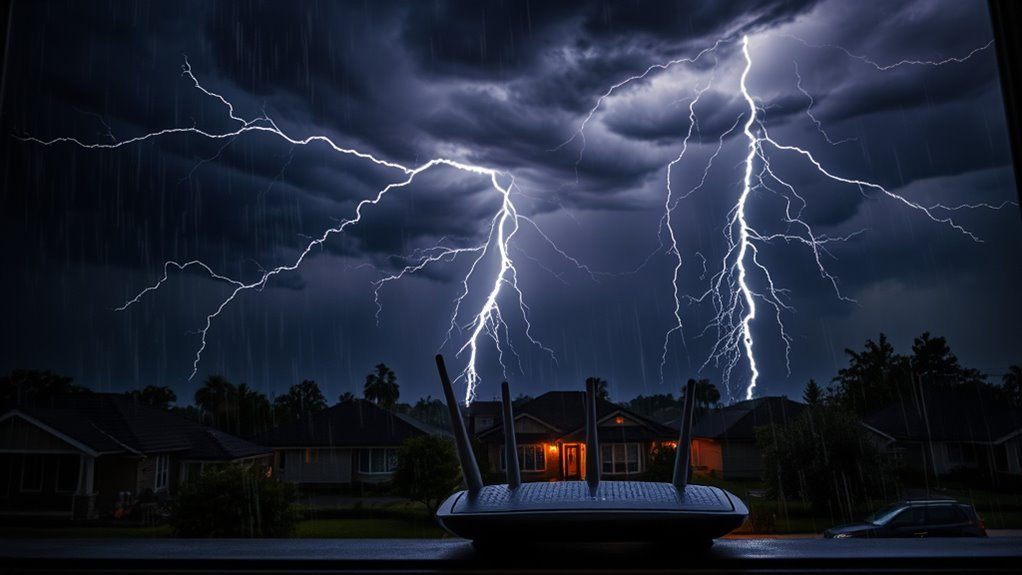
When a thunderstorm hits, you might notice your WiFi signal dropping or slowing down due to electromagnetic interference.
Lightning can also cause power surges that put your router and network gear at risk of damage.
It’s important to protect your hardware to keep your connection stable during these storms.
Electromagnetic Interference Effects
Because thunderstorms and lightning generate strong electromagnetic fields, you might notice temporary WiFi signal drops or interference during storms.
Electromagnetic interference effects from lightning strikes can cause signal degradation, especially on 5GHz frequencies, leading to WiFi disruption.
Lightning-induced electromagnetic pulses (EMPs) may also disrupt your devices if not properly shielded.
To prevent WiFi hardware damage, use grounded surge protectors and position routers away from metal objects.
These electromagnetic interference mitigation steps help maintain stable connectivity.
| Issue | Solution |
|---|---|
| Electromagnetic interference | Use surge protectors |
| WiFi disruption | Place router away from metals |
| Signal degradation | Prefer 2.4GHz during storms |
| Electromagnetic pulses | Shield WiFi devices adequately |
Hardware Damage Risks
Thunderstorms pose a serious threat to your WiFi hardware by causing power surges that can damage routers and outdoor networking equipment.
Lightning strikes often trigger these surges, frying sensitive components and leading to costly hardware damage.
Outdoor antennas and cables are especially vulnerable. Lightning can cause immediate physical damage or degrade their performance over time.
To protect your WiFi equipment, make sure you use surge protectors and implement proper grounding techniques.
These measures help prevent power surges from reaching your devices and reduce the risk of firmware corruption or loss of stored data.
Without these protections, your WiFi setup becomes susceptible to failure during storms. So, safeguarding your hardware is essential to maintaining reliable connectivity.
Temperature Extremes and Their Influence on WiFi Hardware
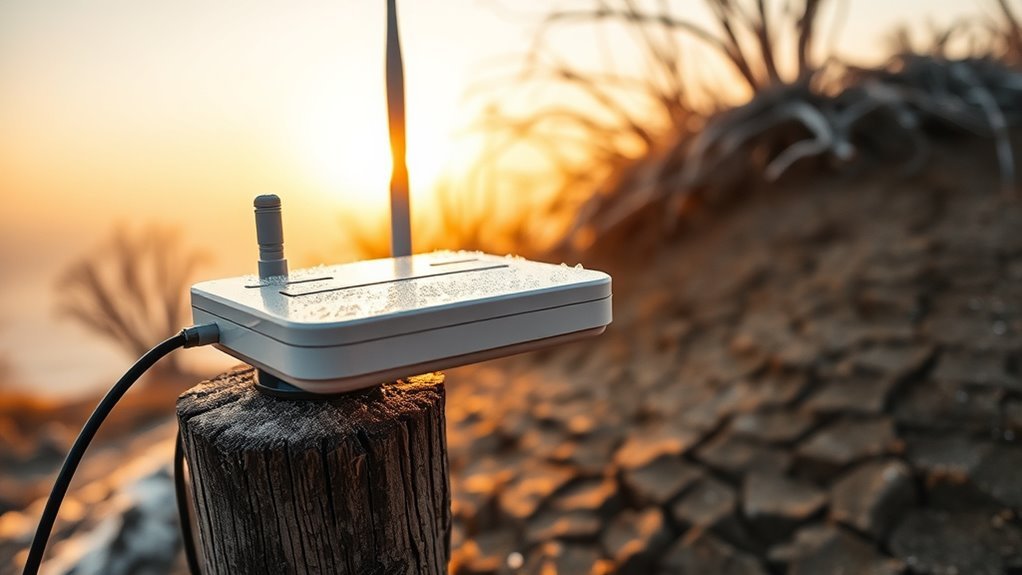
Although WiFi hardware is designed to operate within certain temperature ranges, extreme heat and cold can seriously impact its performance and longevity.
Overheating reduces hardware performance and may trigger automatic shutdowns to avoid device damage. Cold temperatures cause cables and connectors to become brittle, risking cracks and breaks.
Condensation inside devices from freezing conditions can short-circuit components, further harming your network.
To protect your WiFi hardware, consider these tips:
- Place devices in climate-controlled or shaded areas to manage temperature.
- Ensure proper ventilation to prevent overheating.
- Avoid exposure to extreme cold to reduce thermal stress.
- Regularly inspect cables and connectors for signs of damage.
Taking these steps helps maintain ideal signal strength and prolongs your equipment’s lifespan despite harsh temperature swings.
The Role of Humidity and Fog in WiFi Signal Quality
You’ll notice that high humidity absorbs and scatters your WiFi signals, especially outdoors at 2.4GHz and 5GHz frequencies.
Fog worsens this by increasing signal scattering, causing drops in speed and stability.
Plus, moisture can build up on your outdoor equipment, leading to corrosion and weaker signal transmission.
Humidity’s Signal Absorption
When humidity rises, your WiFi signals at 2.4 GHz and 5 GHz face increased absorption and scattering, which weakens connection strength.
Moist air causes signal attenuation by absorbing electromagnetic waves, especially outdoors where water droplets and fog are present.
This leads to slower speeds and higher latency on your outdoor WiFi links.
To manage humidity’s impact, consider these points:
- Water droplets in fog absorb and weaken WiFi signals.
- High moisture levels cause signal absorption and scattering.
- Outdoor WiFi performance drops in humid, foggy conditions.
- Indoor placement in dry, well-ventilated areas minimizes signal degradation.
Fog and Signal Scattering
Since fog contains countless tiny moisture particles, it scatters and absorbs WiFi signals at 2.4 GHz and 5 GHz frequencies, reducing their strength.
This signal scattering causes noticeable signal attenuation, especially for outdoor WiFi, cutting down your WiFi range and degrading signal quality.
The moisture particles in fog create more interference than typical humidity alone, making outdoor connections more vulnerable.
You might notice slower speeds or dropped connections during dense foggy conditions.
To combat this, using weatherproof equipment helps protect your devices and maintain stable signal quality despite high humidity.
Additionally, placing your WiFi devices away from fog-prone areas reduces exposure to moisture particles.
Understanding how fog impacts WiFi signals lets you take practical steps to preserve your connection’s strength and reliability in humid, foggy weather.
Outdoor Equipment Vulnerabilities
Although outdoor WiFi equipment faces many environmental challenges, humidity and fog pose some of the most persistent threats to your signal quality.
Humidity increases moisture, which can lead to corrosion on outdoor antennas and connectors. This corrosion can cause signal degradation and hardware malfunctions.
On the other hand, fog droplets scatter signals, reducing both range and speed.
To protect your setup, focus on a few key strategies:
- Ensuring weatherproof seals to prevent moisture intrusion.
- Using high-quality weatherproofing materials on your outdoor equipment.
- Regularly inspecting antennas and connectors for any signs of corrosion.
- And promptly addressing any hardware malfunctions that moisture may cause.
Wind and Physical Obstructions Affecting WiFi Connectivity
Because strong winds can physically shift or damage your outdoor WiFi equipment, you might experience sudden signal drops or outages.
Outdoor antennas and hardware can be displaced or loosened by vibrations, causing intermittent connectivity due to compromised hardware connections.
Vibrations can loosen outdoor antennas, leading to intermittent connectivity from weakened hardware connections.
Wind-driven debris like branches and leaves often block the line-of-sight between devices and access points, creating physical obstructions that weaken signals.
Additionally, swaying trees and falling foliage form physical barriers that absorb or scatter WiFi signals, leading to further signal disruptions.
To maintain reliable connectivity, regularly check your outdoor hardware for secure installation and trim nearby foliage.
Minimizing these physical obstructions helps protect your WiFi signal from the adverse effects of wind and debris, ensuring smoother performance even on blustery days.
Protecting Wifi Infrastructure From Weather Damage
How can you guarantee your outdoor WiFi equipment withstands harsh weather conditions?
Protecting your WiFi infrastructure from storm damage requires proactive steps.
Use weatherproof enclosures and seals to guard outdoor WiFi equipment against water and humidity.
Position outdoor antennas in elevated, sheltered spots to reduce exposure to rain, snow, and wind.
Shield cables and connections with protective conduits to prevent damage from ice, moisture, and physical impact.
Employ surge protectors to defend hardware from electrical surges during storms.
Regular equipment maintenance is essential—inspect and clear debris or foliage that may cause physical damage or signal interference.
Practical Strategies to Weatherproof and Maintain Reliable WiFi
Beyond shielding your outdoor WiFi equipment from storm damage, you can take practical steps to weatherproof your entire network setup and keep it running smoothly.
First, use weatherproof enclosures and sealed connections to guard against moisture and temperature extremes.
Also, position routers indoors or in sheltered spots to minimize exposure to rain and debris.
It’s smart to install surge protectors and backup power like UPS units to protect against lightning strikes and power surges.
When selecting your equipment, choose weather-resistant options designed specifically for outdoor WiFi to guarantee durability.
Regular maintenance is vital—inspect cables, antennas, and devices frequently for damage or misalignment, especially after storms.
This helps prevent signal loss and keeps everything in top shape.
Proper antenna alignment can also boost performance, even in harsh weather.
Frequently Asked Questions
How Does Weather Affect Wifi?
Weather affects your WiFi by weakening signals during rain, fog, or humidity.
This can lead to interference from storms, which can be frustrating.
Additionally, there’s a risk of damage from wind or extreme temperatures.
To keep your connection stable, it’s important to protect and maintain your equipment.
What Can I Do to Make My Wifi Signal Stronger?
Imagine your WiFi as a telegram—placing your router centrally and high boosts strength.
You’ll want to use extenders, update firmware, and avoid interference from gadgets.
Also, consider dual-band routers to keep your signal strong and steady.
How Can I Improve My Wifi Outside?
You can improve your outdoor WiFi by installing weatherproof access points.
Position them where they have clear line-of-sight to maximize signal strength.
Make sure to secure cables with waterproof connectors to protect against the elements.
Using mesh networks can also help ensure consistent coverage throughout your outdoor space.
And don’t forget to regularly clear debris that might block the signal!
Does Weather Affect the 5G Signal?
Yes, weather does affect your 5G signal.
Rain, fog, wind, and storms can weaken or disrupt it.
To improve, secure antennas, use weather-resistant equipment,
and consider signal boosters to maintain stable connectivity outdoors.
Conclusion
Weather can be a sneaky saboteur of your WiFi, draping your signal in invisible veils of rain, fog, and static storms.
But you don’t have to let the elements hold you hostage.
By shielding your devices like a fortress and tuning your setup with care, you can weatherproof your connection against nature’s whims.
With a little vigilance, your WiFi can sail smoothly through tempests, keeping your digital world bright even when skies turn gray.
In conclusion, it’s essential to be aware of how weather can impact your WiFi signal.
By taking proactive steps—like investing in quality equipment and optimizing your network setup—you can protect your connection from the unpredictable forces of nature.
Don’t let rain or storms disrupt your online activities; ensure your WiFi remains strong and reliable, no matter the weather.
With the right strategies, you can keep your digital life connected and uninterrupted, come rain or shine.