How Does Cold Weather Affect Your Internet Connection?
Cold weather can significantly impact your internet connection. When temperatures drop, outdoor cables may become brittle, leading to cracks and breaks that can disrupt your internet service.
Additionally, snow and ice accumulation can weigh down or misalign satellite dishes, which weakens signals and affects connectivity.
Moreover, ice buildup on power lines can cause outages, further exacerbating your internet issues. Equipment that is exposed to freezing conditions may also malfunction or fail, which can reduce the reliability of your connection.
These cold-induced problems can lead to slower internet speeds and instability, making it essential to monitor your network regularly.
As temperatures fall, it’s wise to look for ways to protect your network and troubleshoot any potential problems. Stay proactive to ensure a stable connection throughout the winter months!
Effects of Freezing Temperatures on Outdoor Cables
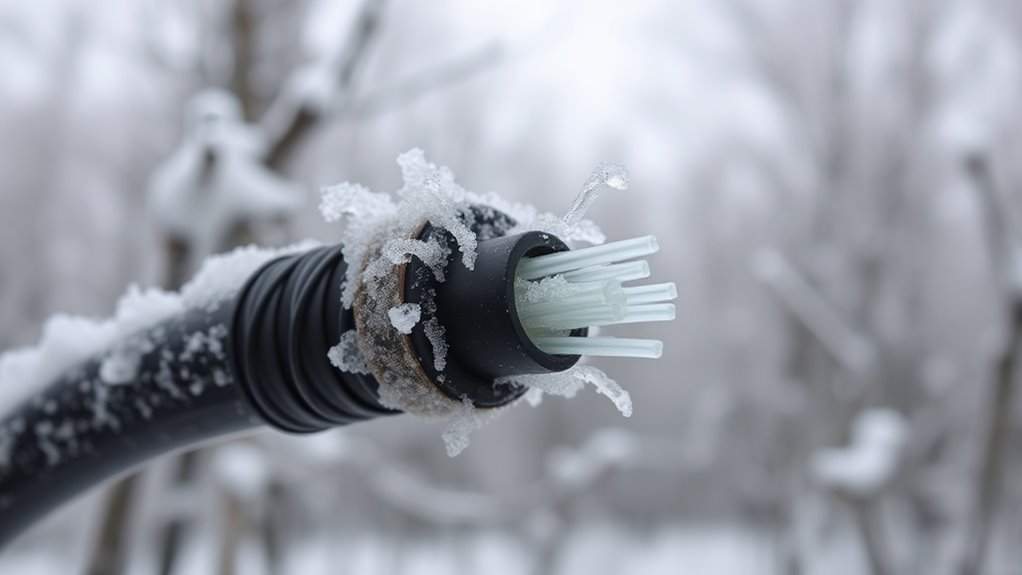
When temperatures drop to freezing or below, outdoor cables made of plastic and rubber contract. This increases your risk of cracks and breaks.
Freezing temperatures make these cables brittle, leading to physical damage that can cause connection disruption.
Freezing cold turns cables brittle, increasing physical damage and risking your connection stability.
And that’s not all! Prolonged cold weakens cable insulation, allowing moisture to seep in and cause signal degradation.
As insulation stiffens, cables lose flexibility. This raises the chance of fractures during handling or installation.
Also, this stiffening makes repairs tougher, increasing the likelihood of further cable damage.
You’ll want to be aware of these risks because damaged outdoor cables directly affect your internet reliability.
Taking steps to protect your cables from freezing temperatures can help avoid costly disruptions and keep your connection stable through the cold months.
Snow Accumulation and Satellite Signal Disruption
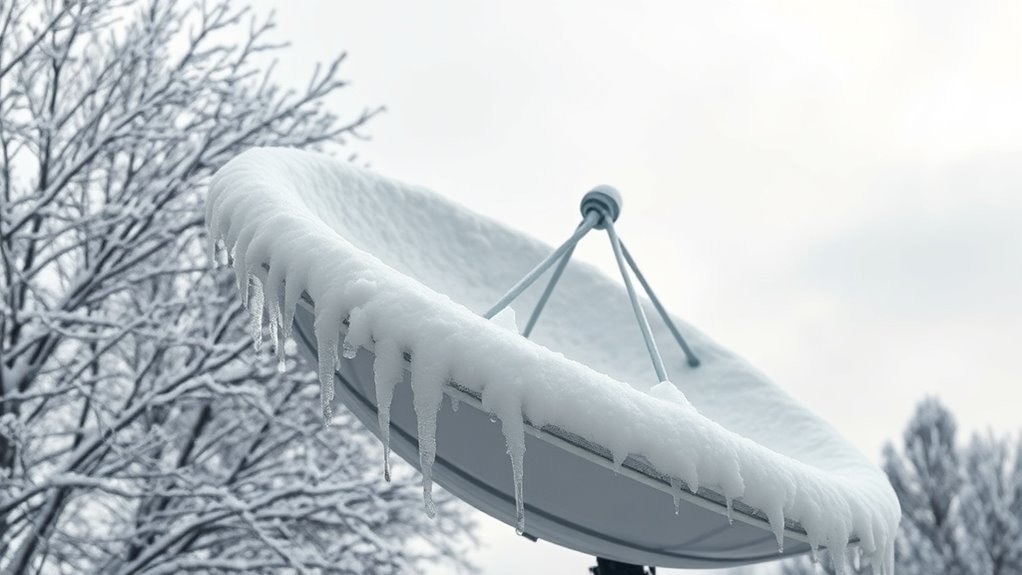
When snow builds up on your satellite dish, it blocks the signals needed for a strong internet connection.
Even a thin layer can weaken your bandwidth and cause delays.
Meanwhile, heavy snow might misalign the dish entirely.
You’ll want to clear snow and ice regularly to keep your signal steady and avoid disruptions.
Snow Buildup on Dishes
Although satellite dishes are designed to capture signals effectively, snow buildup can block or reflect them, causing your internet connection to falter.
When snow and ice accumulate, they can weigh down your satellite dishes, leading to misalignment and signal disruption.
This misalignment often requires manual adjustment to restore excellent reception.
Winter storms worsen the problem by increasing snow buildup, which intensifies signal attenuation.
To prevent this, you should regularly clear snow off your dishes.
Using weather-resistant covers or installing heating elements can also help reduce snow buildup and minimize signal disruption.
Taking these steps ensures your internet stays reliable despite harsh winter weather, protecting your connection from the common issues caused by snow and ice on satellite dishes.
Signal Attenuation Effects
How exactly does snow accumulation disrupt your satellite internet signal?
Snow buildup and ice accumulation on your dish cause significant signal attenuation by absorbing and scattering the microwave frequencies that carry satellite signals.
This weather interference doesn’t just block the signal; moisture from melting snow can seep into connectors and cables, leading to signal degradation and increased error rates.
Additionally, the added weight often causes equipment misalignment, further reducing signal strength and quality.
When your dish or antenna is misaligned, your internet connection suffers.
All these factors together mean the satellite signals reaching your receiver are weaker and less reliable, causing temporary disruptions in connectivity during cold, snowy conditions.
Understanding these effects helps you grasp why your internet might falter in winter weather.
Preventative Maintenance Tips
Since snow buildup can block satellite signals and disrupt your internet, taking proactive steps to maintain your equipment is essential.
Regularly clearing snow from your outdoor equipment prevents signal disruption and avoids damage caused by excess weight.
Installing weather-resistant covers or heated dishes safeguards your setup against harsh weather conditions.
Also, monitor weather forecasts to schedule timely maintenance, reducing the risk of power outages affecting your connection.
| Maintenance Tip | Benefit |
|---|---|
| Remove snow regularly | Ensures clear signal reception |
| Use weather-resistant covers | Prevents snow accumulation |
| Install heated dishes | Melts snow quickly |
| Inspect mounts & cables | Avoids damage and outages |
| Check weather forecasts | Plan maintenance proactively |
Impact of Ice on Power Lines and Internet Outages
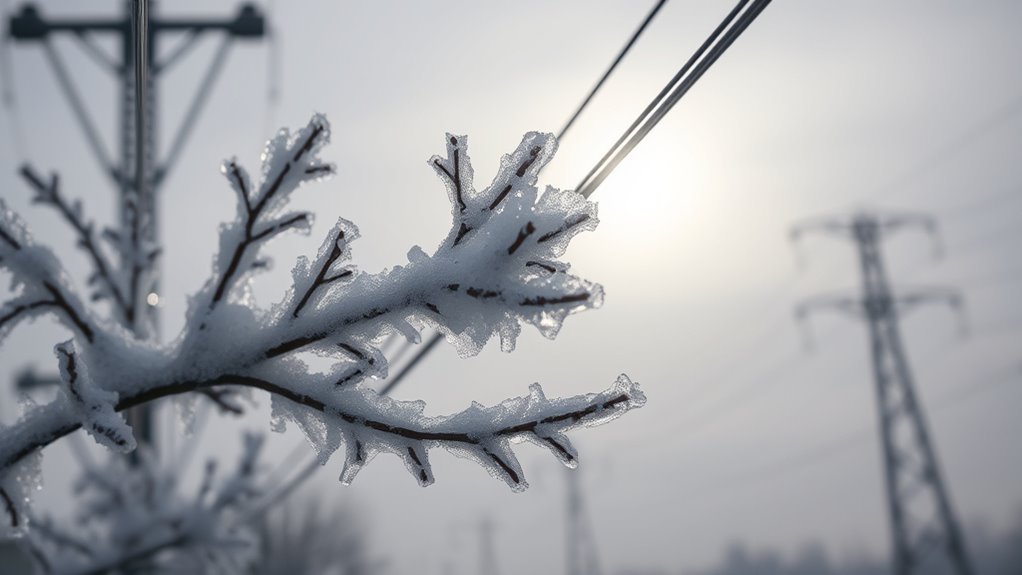
When ice builds up on power lines, it adds extra weight that can cause them to snap or collapse.
You might lose internet access because these failures often trigger power outages.
Fixing ice-covered lines takes time, so you could be offline longer during freezing conditions.
Ice Accumulation Effects
Although ice accumulation might seem harmless, it can severely disrupt your internet service by damaging power lines and communication equipment.
Ice buildup on outdoor infrastructure adds weight, causing cables to snap or hardware to malfunction.
Satellite dishes coated with ice block signals, leading to signal interference and internet disruptions.
This equipment damage often results in power outages, further hindering connectivity.
| Ice Accumulation Effects | Impact on Internet | Result |
|---|---|---|
| Ice on power lines | Lines become brittle | Power outages |
| Ice buildup on dishes | Signal blockage | Internet disruptions |
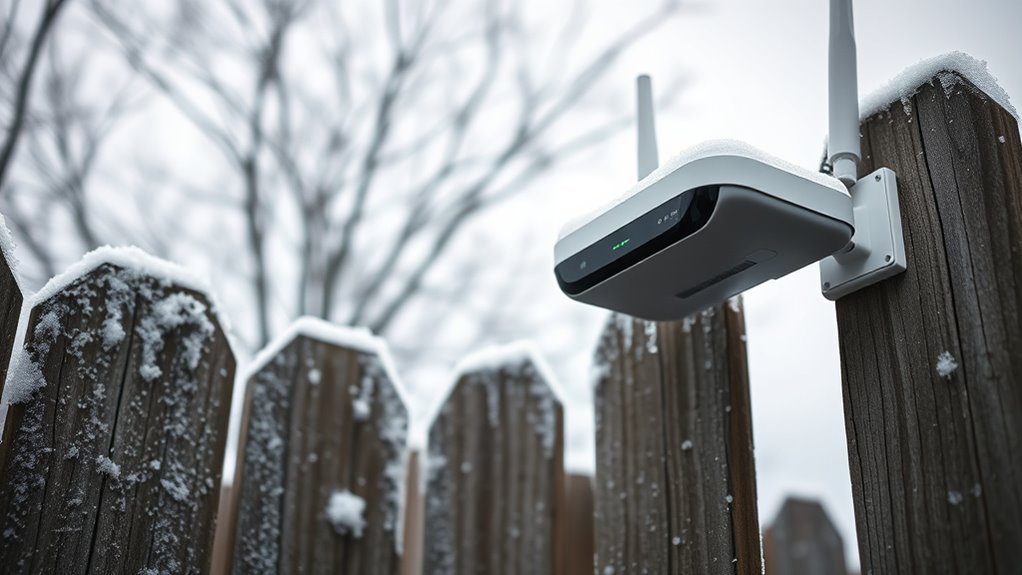
| Ice on outdoor gear | Equipment damage | Reduced performance |
You need to regularly clear ice from your outdoor equipment to maintain stable internet during cold weather.
Power Line Failures
If ice builds up on power lines, it adds heavy weight that can make them snap, causing outages that knock out your internet.
Ice accumulation turns power lines brittle, and frozen lines become vulnerable to damage from wind or falling debris during winter storms.
When utility poles get coated in ice, they risk structural failure, leading to power failures that disrupt your internet connection—especially if you rely on wired or fiber services.
Repairing this damage isn’t quick; crews need specialized equipment to fix broken lines, which prolongs outages.
Cold Weather Damage to Network Equipment
Because cold temperatures make outdoor network cables and equipment brittle, you’ll often see an increased risk of cracks and breaks during winter.
This weather damage affects your network equipment directly, as brittle materials like plastic and rubber contract, forming gaps that allow moisture ingress.
Moisture can then penetrate enclosures, damaging sensitive electronics inside.
Fiber optic cables also suffer because the cold reduces their flexibility, increasing the chance of microbending that harms signal quality.
Additionally, prolonged exposure weakens the structural integrity of aerial cables, causing them to sag or even break, worsening cable damage.
These combined effects from cold weather put your internet connection at risk by damaging critical components that rely on robust, weather-resistant protection to function properly.
How Cold Weather Affects Internet Speed and Stability
When cold weather sets in, your internet speed and stability often take a hit.
Outdoor cables become brittle and develop cracks, leading to network disruptions and fluctuating connection stability.
Cold weather makes outdoor cables brittle and cracked, causing network disruptions and unstable connections.
Additionally, ice buildup on satellite dishes blocks signals, causing slower internet speeds.
You also face increased risks of moisture ingress when connectors contract in the cold. This can result in signal degradation.
Here’s how cold weather affects your connection:
- Equipment damage from brittleness and cracking reduces reliability.
- Ice accumulation on satellite dishes obstructs signal paths.
- Moisture ingress worsens signal quality due to contracted enclosures.
All these factors combine to disrupt your internet speed and connection stability.
Preventative Measures for Winter Internet Protection
Protecting your internet setup from winter’s harsh conditions requires proactive steps to keep equipment dry, secure, and functioning properly.
Start by using weatherproof enclosures to shield outdoor equipment and seal all points to prevent moisture ingress.
For satellite dishes, install covers or small heaters to reduce snow and ice buildup that can disrupt signals.
Keep routers and other network hardware away from unheated outdoor areas to minimize exposure to extreme cold.
Regularly inspect cables and connections, tightening and replacing any brittle or damaged parts caused by freezing temperatures.
Finally, monitor weather forecasts closely and apply these preventative measures before storms hit to maintain a reliable internet connection throughout winter.
Taking these steps ensures your internet stays stable despite harsh cold weather challenges.
Troubleshooting Internet Issues During Cold Weather
If you notice your internet acting up during cold spells, start by checking outdoor cables and equipment for brittleness or cracks caused by freezing temperatures.
These can lead to connectivity issues or equipment damage.
Next, inspect satellite dishes for snow or ice buildup, which can block signals and reduce signal quality.
Finally, watch for signs of moisture infiltration in connectors and enclosures, as this can degrade performance, especially during temperature extremes.
Here’s a quick checklist to troubleshoot your internet in cold weather:
- Examine outdoor cables and weatherproofing seals for cracks or wear.
- Clear snow or ice off satellite dishes to restore signal strength.
- Look for moisture inside connectors and dry or replace damaged parts promptly.
Addressing these factors helps maintain a stable connection despite cold conditions.
When to Contact Your Internet Service Provider
After checking your outdoor cables, satellite dishes, and connectors for damage or moisture, you might still face issues that require expert help.
If you experience prolonged outages or notice damaged equipment that looks frozen or cracked, it’s time to contact your ISP.
Persistent slow speeds or drops in signal strength during cold weather, especially when direct sunlight isn’t warming your setup, also warrant a call.
Power outages caused by winter storms can disrupt your connectivity, so notify your provider immediately if your internet goes down after such events.
And if resetting your router doesn’t restore service during cold spells, don’t hesitate to reach out.
Your ISP can diagnose problems beyond basic troubleshooting and help restore reliable internet through freezing conditions.
Frequently Asked Questions
Can Cold Weather Affect My Internet?
Yes, cold weather can affect your internet by causing cables to crack, freezing equipment, or snow blocking satellite signals.
You’ll want to weatherproof and maintain your gear to keep your connection stable during chilly conditions.
Taking these steps can help ensure that you stay connected, even when the temperatures drop.
Does Weather Have Anything to Do With Internet Connection?
Think of your internet like a garden.
Weather absolutely affects it—rain nourishes, but storms damage.
Cold snaps can crack cables or block signals, so your connection’s stability often depends on how well it weathers the elements.
What Blocks the Wi-Fi Signal the Most?
Thick walls, especially concrete and brick, block your Wi-Fi signal the most.
Metal objects, dense furniture, and large distances between your router and device also weaken it.
Keep your path clear for a stronger connection.
How Cold Is Too Cold for a Router?
If you think your router loves winter hikes below freezing, think again.
Anything below 32°F (0°C) is too cold—your poor device might freeze up, slow down, or just throw in the towel.
Keep it cozy!
Conclusion
When icy winds whip around your outdoor cables and snow blankets your satellite dish, your internet connection can falter like a flickering candle in the cold.
You might notice slower speeds or unexpected dropouts as frost grips your equipment and power lines.
But don’t worry—you can protect your connection by taking simple preventative steps.
Stay warm, stay connected, and if problems persist, don’t hesitate to reach out to your internet provider for help through the winter chill.
In conclusion, cold weather can significantly impact your internet connection, causing slow speeds and dropouts.
By taking proactive measures, you can maintain a stable connection even during harsh winter months.
Remember to monitor your equipment and reach out to your provider if issues arise.
Stay connected and enjoy a seamless online experience, no matter the weather!